


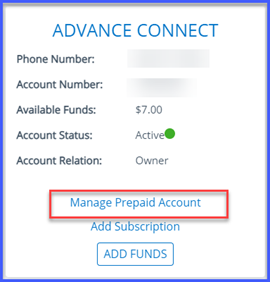
To close your AdvanceConnect prepaid calling account, sign in to you online account and select Manage Prepaid Account under AdvanceConnect
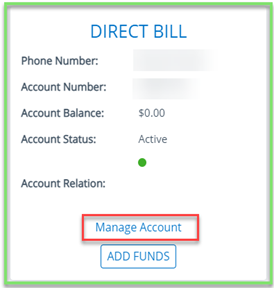
Select Manage Account for Direct Billed
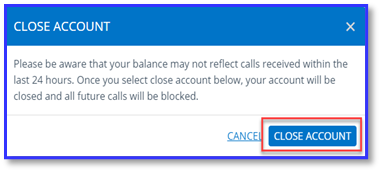
Click Close Account and then a box will pop up with the following instructions:
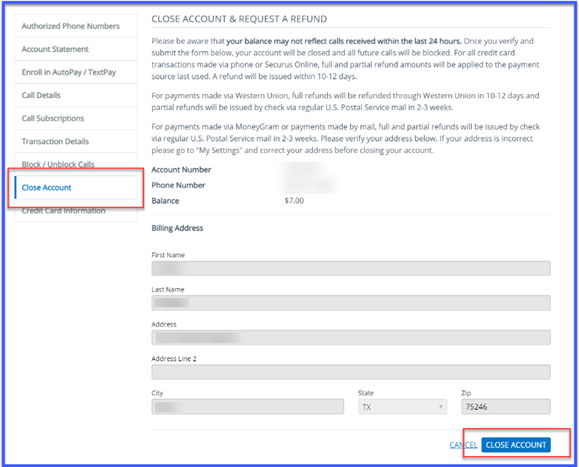
The refund of your remaining AdvanceConnect prepaid balance will be processed based on the type of purchase method last used. If the last purchase was:
Credit/Debit card – the full balance refund will be applied to the card last used and issued within 2 -3 business days. This could take up to one billing cycle to be reflected on your credit or debit card statement
Western Union – a refund will be issued by check via US. Postal Service mail in 2-3 weeks
MoneyGram or payments by mail – a refund will be issued by check via US. Postal Service mail in 2-3 weeks.
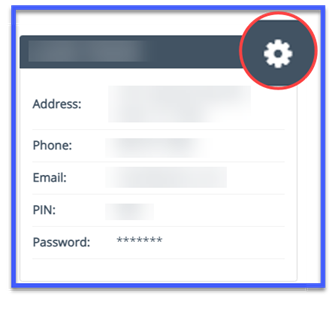
Please go to ‘My Settings’ to verify your address or change it prior to deleting account. If your address is incorrect, please go to My Settings by clicking the settings icon and correct your address before closing your account.
Then click Close Account message will then indicate the account was successfully closed. Note: Securus Video Connect and eMessaging accounts are unable to be closed online.