Finding transaction, invoice and transaction history is easy:
You must log in to your Securus Online account and select Manage account in the phone account section. where you have a variety of menu selections.
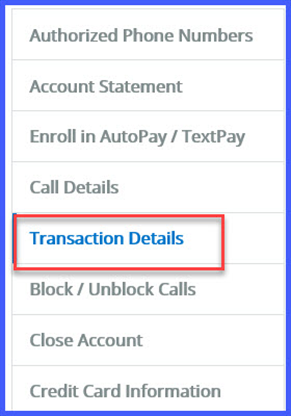
Transaction Details will provide all funding to include credit and debits for the account.
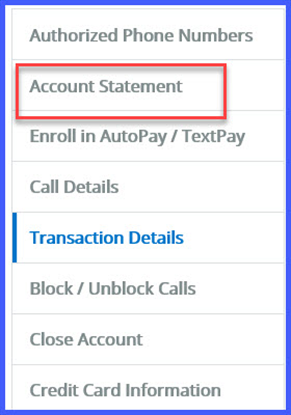
To view Invoices, select Account Statements